

School-level feature — managed within your school portal at
yourschool.deandesk.com.Video walkthrough
This walkthrough uses the real DeanDesk interface with the fictional Northstar Academy demo school and a calm, AI-generated English voice. Payments and outside services are not connected in the demo.
Find a waiting learner
Search by Name, course, or product, and filter by Course or Program/Product. Click Clear to reset the filters. Each row shows the User, Course, Program/Product, Capacity, Waitlist status, and Actions. Summary cards show Waitlisted users, Courses, and At capacity. Use Refresh after another administrator makes changes.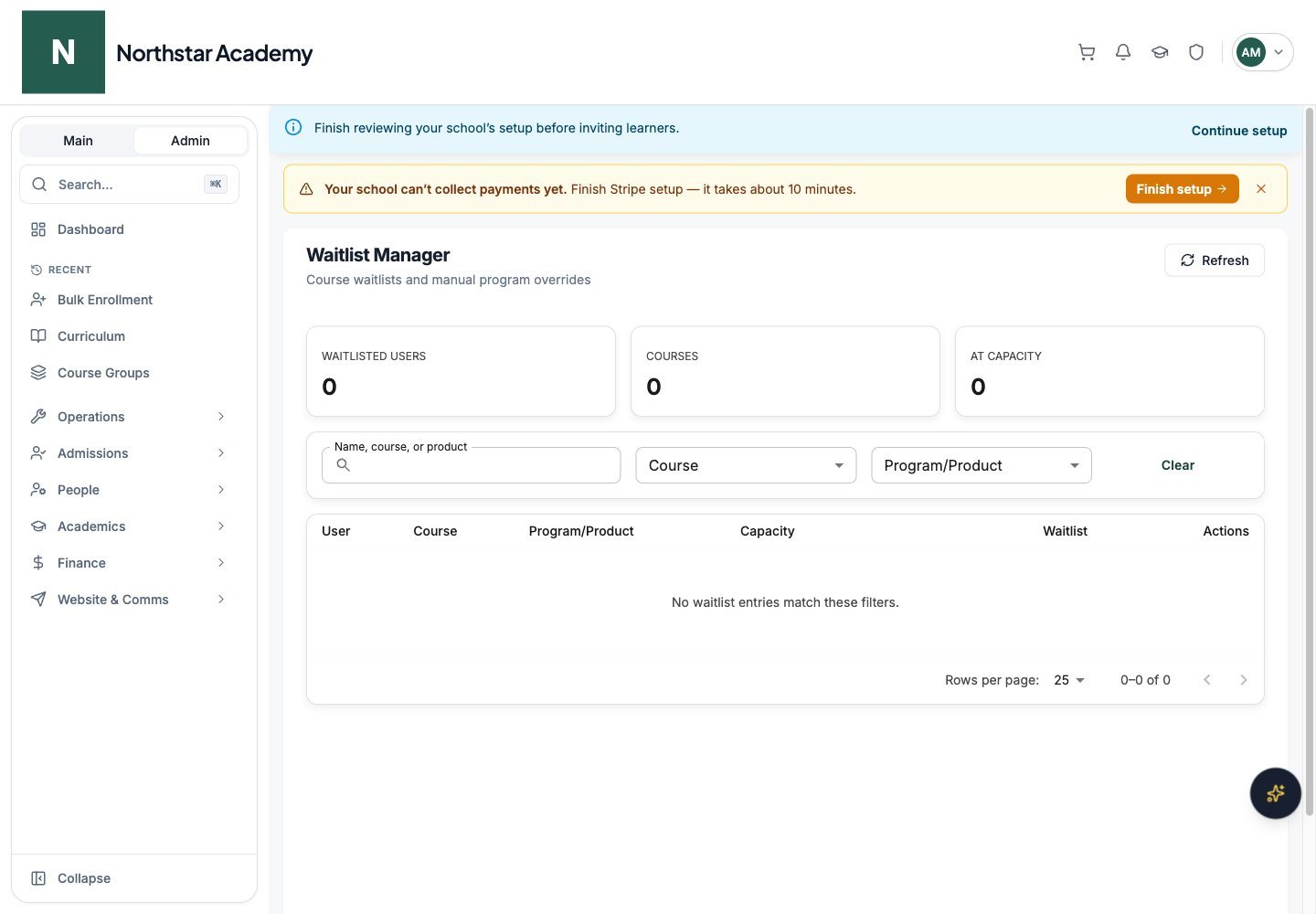
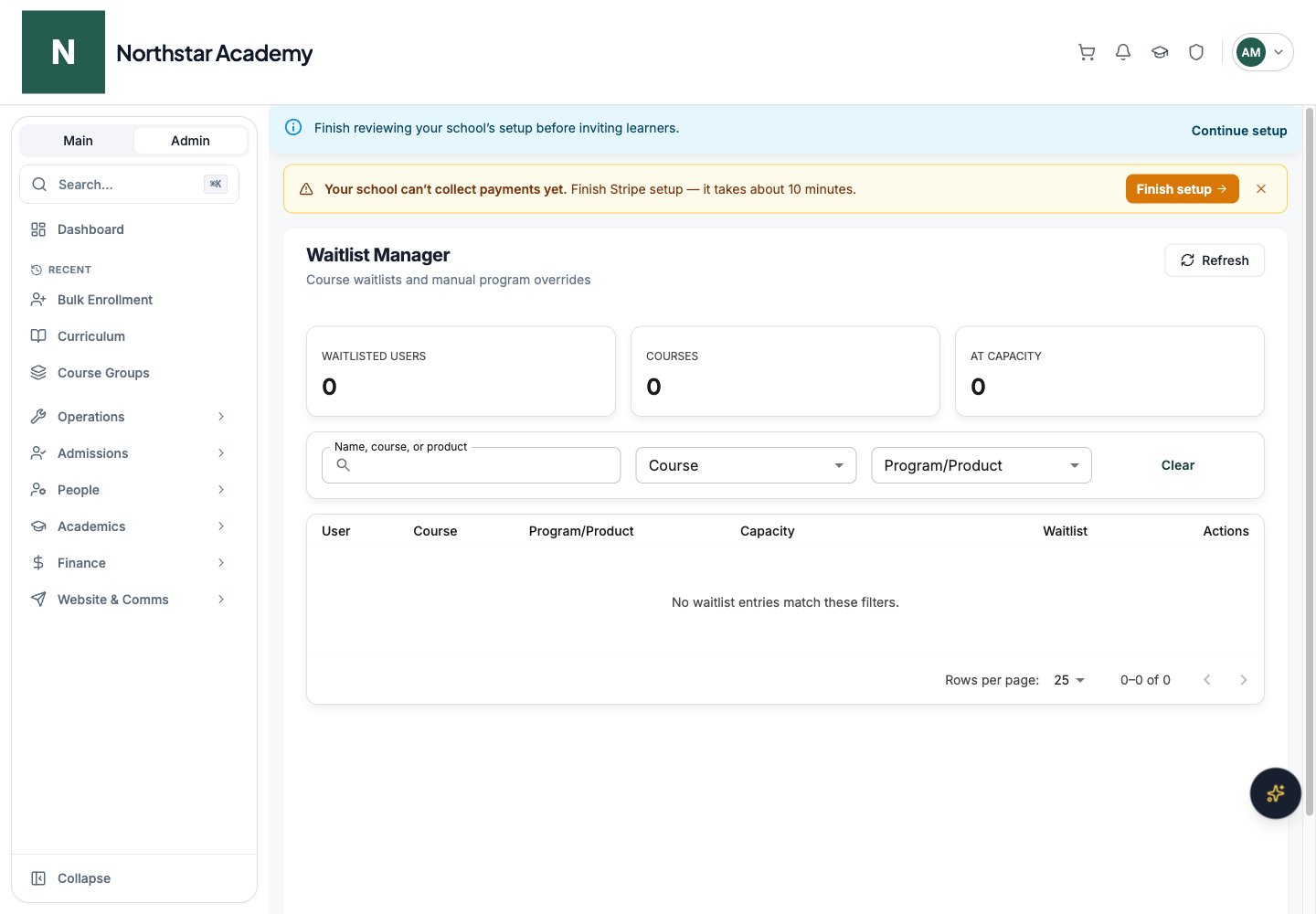
Northstar demo — Waitlist Manager
Change capacity
1
Find a waitlist row for the course
Capacity is edited on each waitlist row, so the course must have at least one learner waiting. The row shows the course’s current enrollment and capacity.
2
Enter the new capacity
In the row’s Capacity field, enter a whole number of 1 or more, or leave the field blank for unlimited capacity.
3
Save and recheck
Click the save icon next to the field (hover over it to see the current capacity). A confirmation reads “Course capacity updated”. Review enrollment separately; increasing a limit is not a receipt for payment.