School-level feature — managed within your school portal at yourschool.deandesk.com.

Video walkthrough

This walkthrough uses the real DeanDesk interface with the fictional Northstar Academy demo school and a calm, AI-generated English voice. Payments and outside services are not connected in the demo.
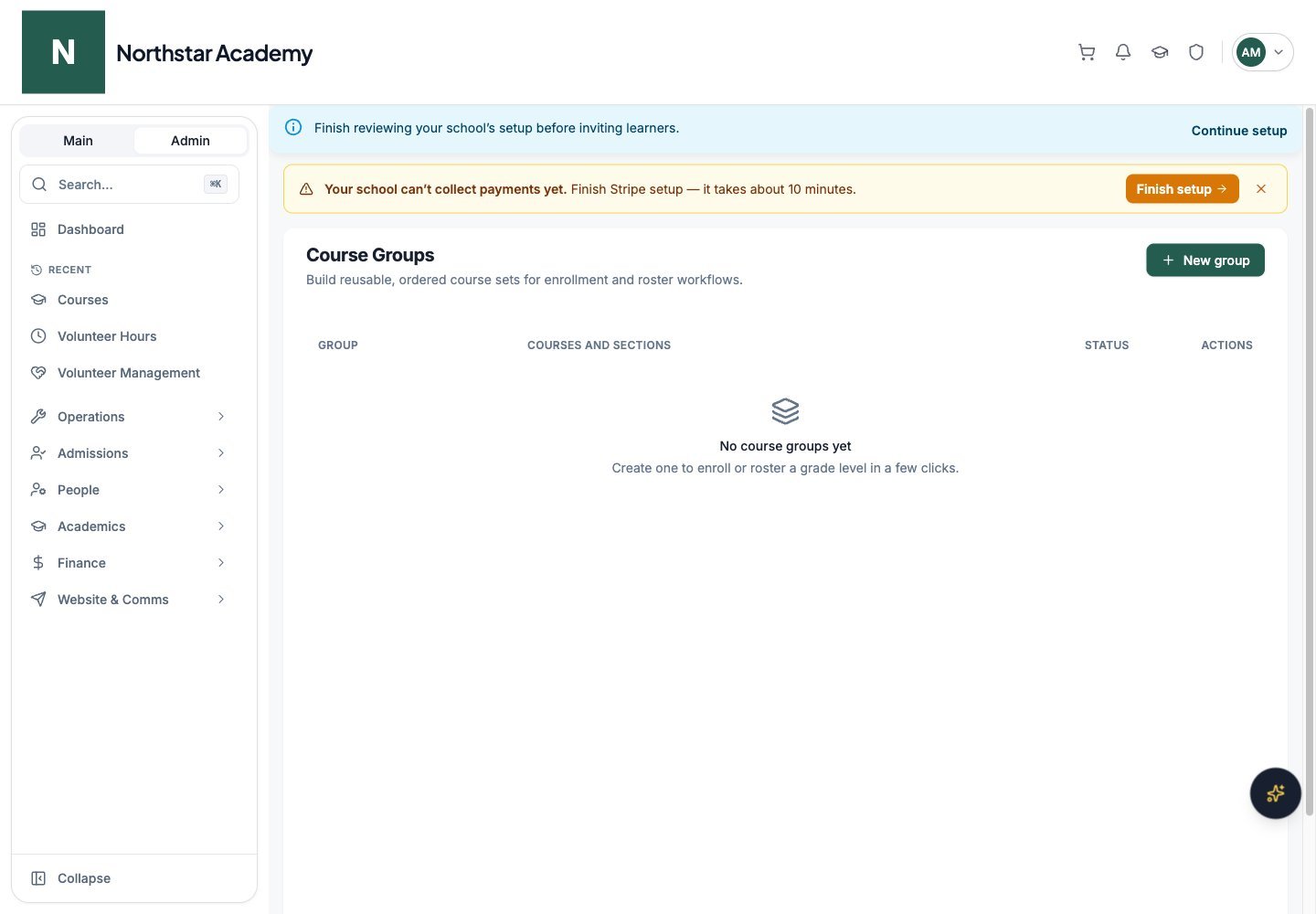
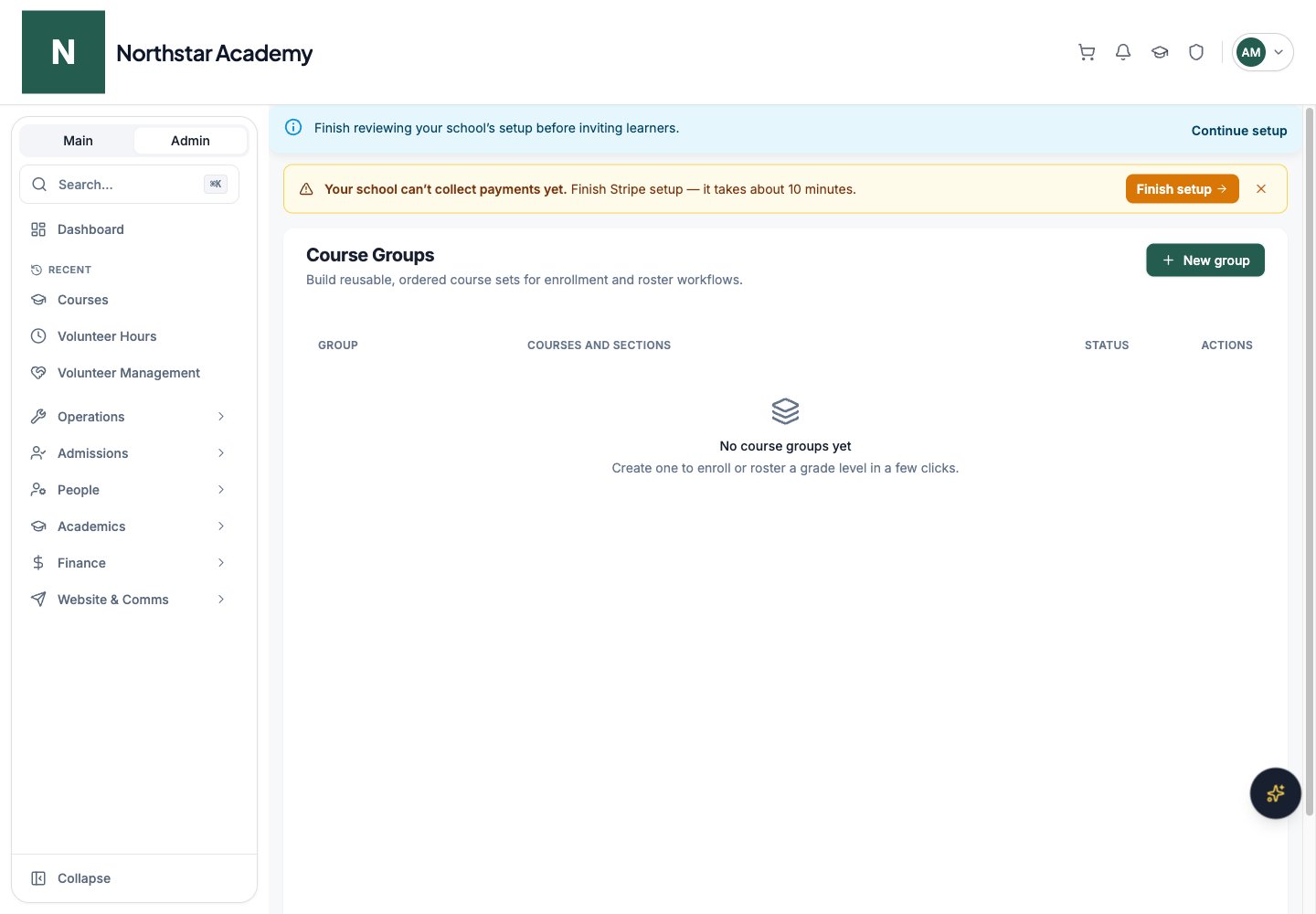
Screenshots use fictional Northstar demo data. Open Academics → Course Groups. A group is an ordered set of live courses, such as a grade-level curriculum or a cohort’s core subjects. It is separate from a roster of people and a reusable curriculum template.
Northstar demo: Course Groups

Northstar demo — Course Groups

Open full-size screenshot

Create a group

1

Name the group

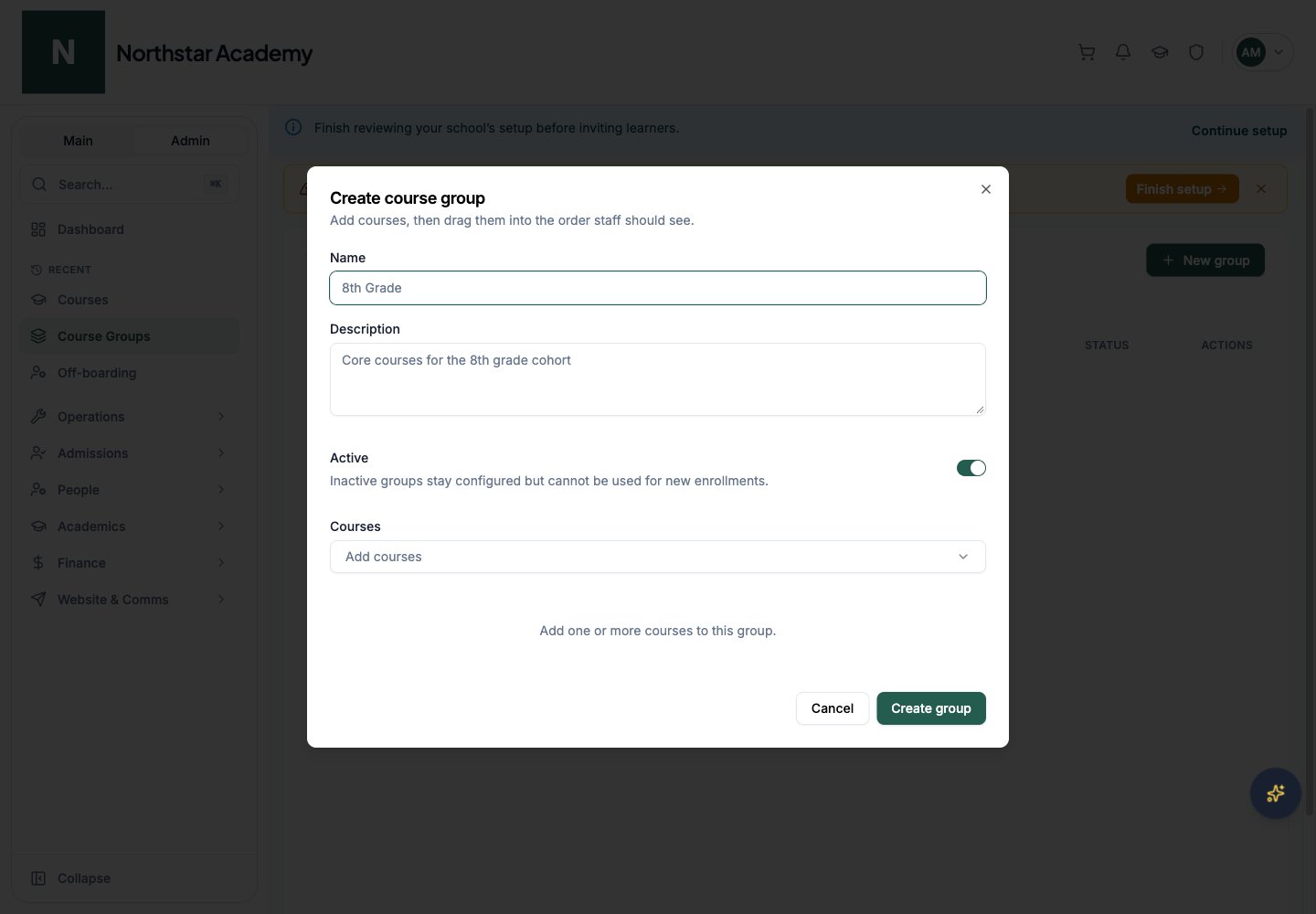
Click New group. Enter a name, such as Grade 8 core courses, and an optional description.
2

Choose courses

Use the searchable Courses selector to add existing courses. Selected courses show their sections. Create missing courses in Courses first.
3

Arrange and save

Drag the course handles into the order staff should see. Remove a course with its remove control. Leave Active on, then click Create group.
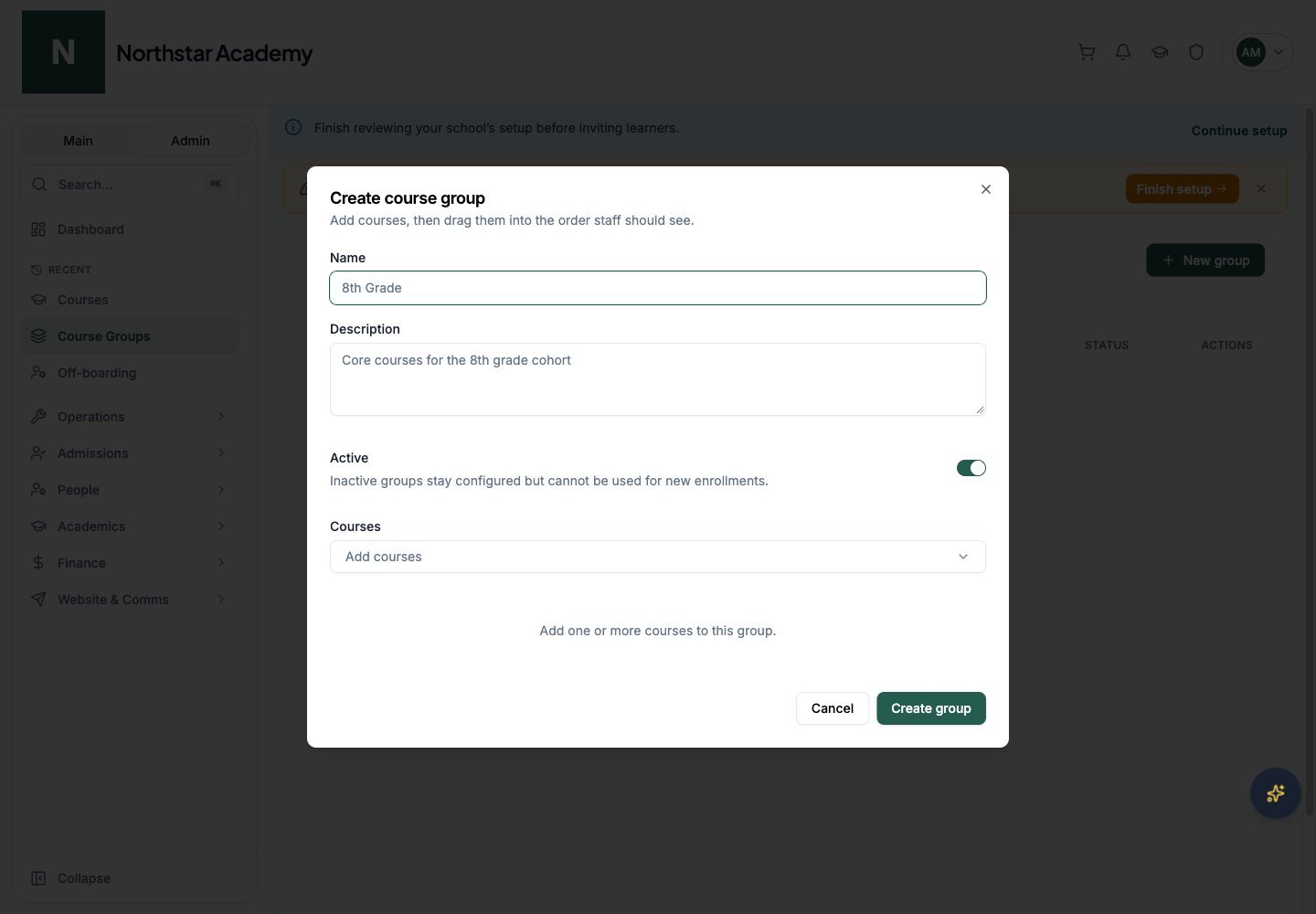
Northstar demo: Course Groups — New group

Northstar demo — Course Groups — New group
Open full-size screenshot

Manage groups

The list shows group descriptions, ordered courses, section counts, and Active or Inactive status. Use the edit control to change the name, description, courses, order, or active state, then Save changes. Inactive groups remain configured but cannot be used for new enrollments. Deleting a group does not delete its courses or existing enrollments; review the deletion confirmation before proceeding.

Use a group

In Bulk Enrollment, select a course group to include its courses in the destination set. Groups also help select courses for roster workflows. Review the actual courses and sections before applying an enrollment change. Creating or reordering a group is organizational work; it does not itself charge families or create enrollments. For reusable program blueprints, use Curriculum maps.